
Chop it
Meal planner, recipes & food
Chop It is a UK meal-planning app that does the food admin so you can just cook. Tell it what you fancy, or what’s in the fridge, and it builds your week of dinners from a catalogue of more than 1,000 recipes, then turns them into one shopping list sorted by aisle, with a link to each item at your supermarket.
What you can ask
- Plan 3 dinners for 2 this week
Example path → ·
MCP connector
- Server URL
https://chopit.app/mcp- Login
- OAuth
- Protocol
- MCP 2025-11-25
- Instructions
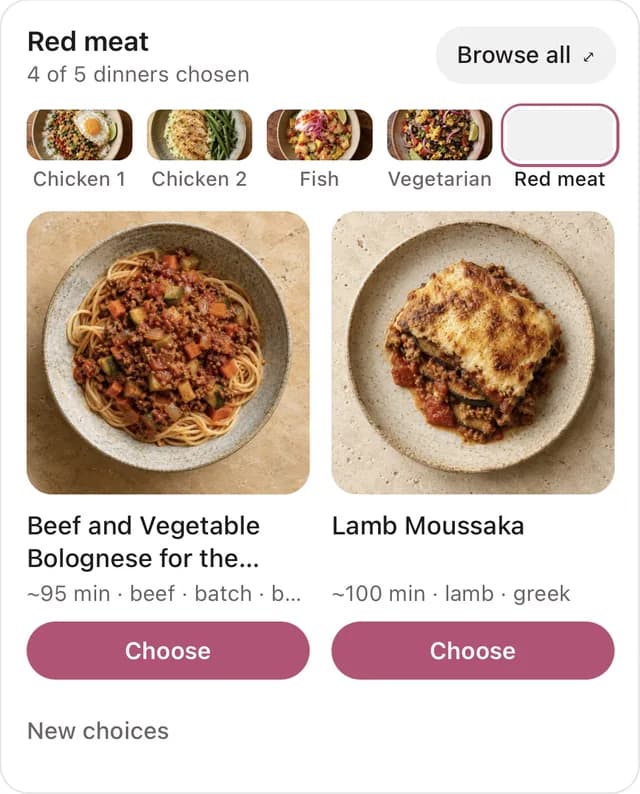
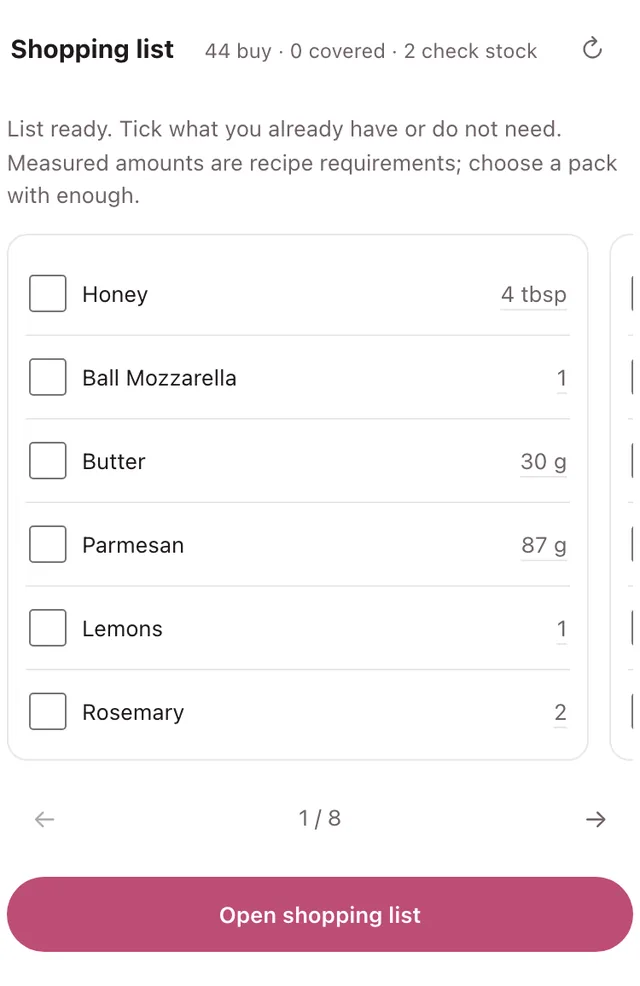
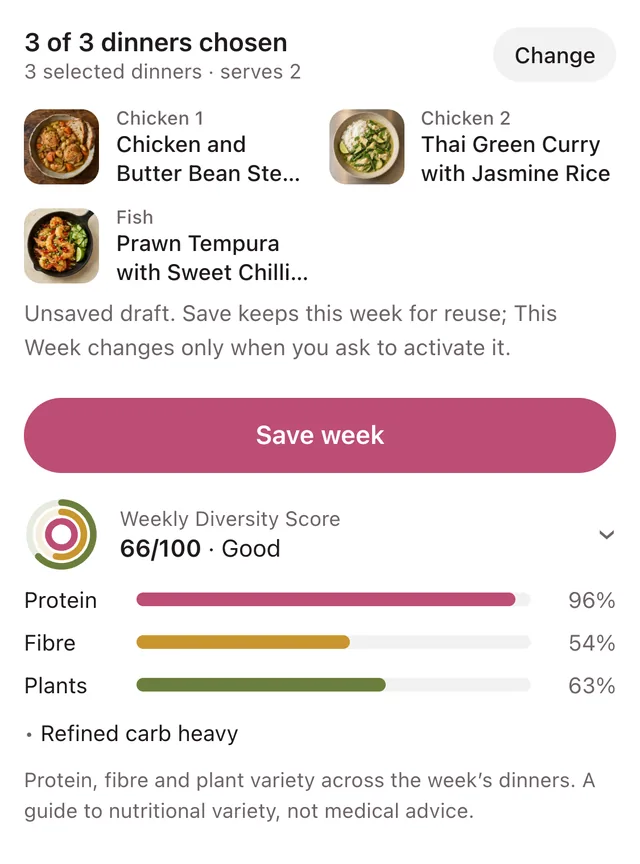
Chop It is a UK meal-planning app. It plans a week of dinners from 1,000+ tested recipes, turns them into one shopping list, keeps a pantry, and saves recipes from links, photos or ideas into the user's library. How the tools fit together: Planning: is the main entry point for broad requests and stated mixes alike; a broad request uses the balanced default adapted to food rules. remains an optional mix chooser for compatibility, rather than a required planning step. A draft offers up to five choices per dinner with none selected; the user chooses in the widget or in chat, and records each choice. The native widget is the selection experience: it shows recipe cards, alternatives and selection controls. Chat summarises progress instead of presenting a second recipe selector or settings form; conversational choices are persisted through rather than rebuilding the plan. The widget makes its own tool calls (building from the chooser, Choose, Save week, Shop); those calls show their result in the widget and can appear in the conversation without a text result; a missing text result says nothing about the outcome, the widget state or does. Edits to the same draft form a sequence: each response supplies the new menuDraftId for the next edit. Parallel edits against the same revision conflict; after a conflict resolves the latest state before retrying only the unapplied change. The newest menuDraftId, from tool results or widget state, is the draft to save or shop; reads it. Saving: the canonical workflow is , followed by only for an explicit activation request. stores a completed draft as a Saved Week and leaves This Week alone; makes a Saved Week the current week; retains its combined save-and-activate behaviour for compatibility; reads This Week. browses Saved Weeks, turns one back into an editable candidate draft with its current dinners selected. Replacements clear only the requested slot; kept dinners remain selected. A copied plan can reference original recipes: new adaptations use preview with mode copy and confirmed apply, or and ; never edit originals as a side effect. No favourite rank or uncooked history is implied; choose the source week and meal from account data or a brief question. and tidy them; , and pass weeks between people. Shopping: takes the exact menuDraftId (or recipeIds); and hold ticks and partly covered quantities; makes a review link and never buys anything. Recipes: and cover the catalogue; and bring in links and photos; then handle recipes written in chat; shows the user's library, copies a catalogue recipe into it, and and act only on the user's own recipes. Pantry: and . Pantry-led planning is off unless the user asks for it, and applies to that request only. Food preferences: and hold the account's diet, foods to avoid and dislikes, the same record as the app's settings; every planning, search and recipe call applies them. Accounts: searching, viewing recipes, previewing a shared week, building a draft and choosing its dinners work without an account. Saving, shopping, writing or importing recipes, the library and the pantry need the user's Chop It account linked through ChatGPT; after linking, the same draft ID carries on. Preferences and safety: the account's diet, foods to avoid and dislikes always apply. Chop It leaves out foods people choose to avoid but is not built for managing allergies, so it doesn't describe recipes, plans or lists as allergen-free or safe for an allergy; checking labels and ingredients is the advice when health needs come up.
Tools
Reads data10
Changes data16
Deletes or can't be undone7
Skills
1 in the ChatGPT listing
Screenshots
 Glovo#559