DeeplyClear
Create and edit mind maps
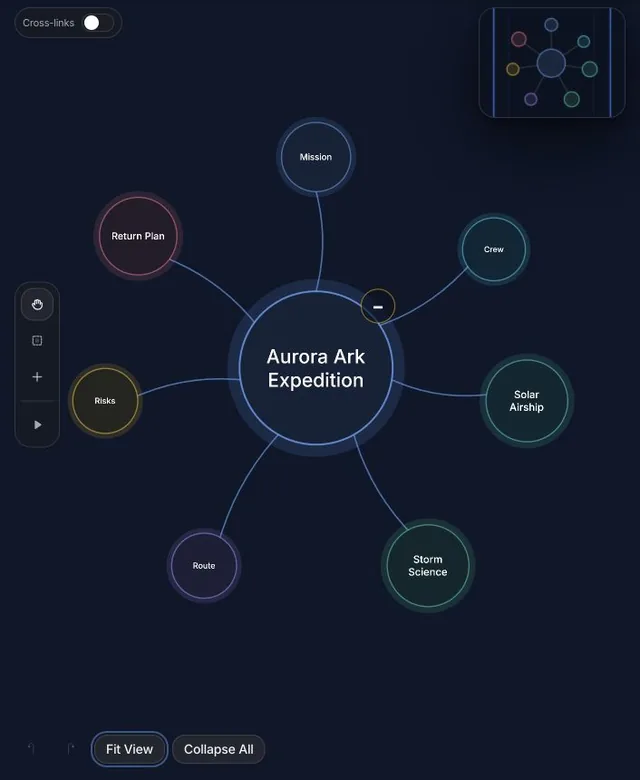
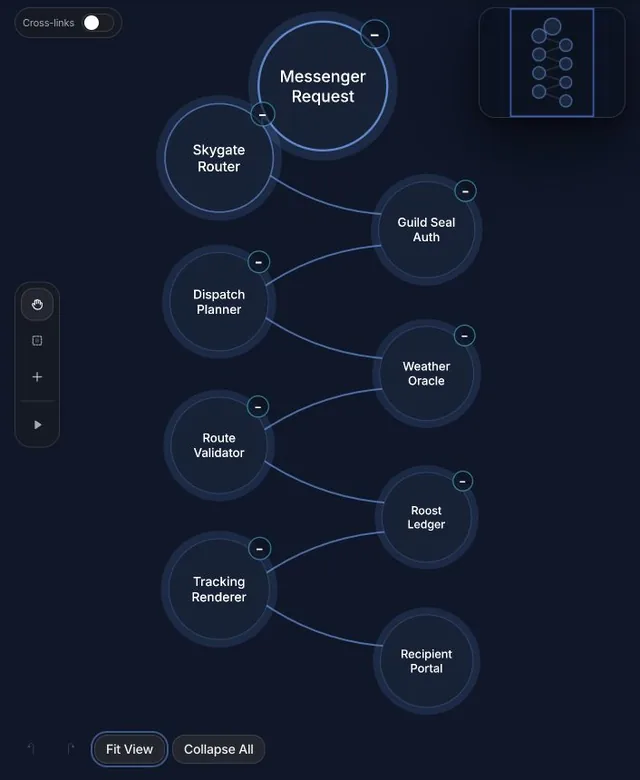
Create, edit, and share interactive mind maps with DeeplyClear. Turn conversations, notes, research, documents, and codebases into a clear mindmap you can explore and keep refining.
What you can ask
- Turn this conversation into a private, editable mind map of the key ideas and relationships.
Example path → ·
MCP connector
- Server URL
https://mcp.deeplyclear.com- Login
- OAuth
- Protocol
- MCP 2025-11-25
- Instructions
DeeplyClear creates and manages interactive, editable mind maps. Use when the user asks to create, generate, visualize, structure, organize, map, or transform information into a mind map or mindmap, concept map, knowledge map, systems map, idea map, argument map, research map, visual map, architecture map, or codebase map. Also use it to turn complex information or relationships into a navigable map. Do not use it for a specifically requested static image, illustration, poster, or infographic. Treat follow-up requests such as simplify it, add examples, or expand a branch as edits to the current saved map, preserving its ID and unrelated content. Use for broad natural-language changes and to expand one node. For returning users, use to find their existing map and to inspect it; clarify only if multiple maps fit. Create a new map only for a new topic or when requested. For exact edits, call first, then use , , , , or . Each tool performs one explicit action using IDs from that map. Show the preview and editable link after creating or editing, confirm the saved map’s actual visibility, and suggest one relevant edit when useful. Product questions, troubleshooting, and analytics are not requests to create maps. Maps are private by default; public only when explicitly requested. Use to change an existing map to public or private. Access only the authenticated workspace.
Tools
Reads data4
Changes data4
Deletes or can't be undone6
Skills
1 in the ChatGPT listing
Screenshots