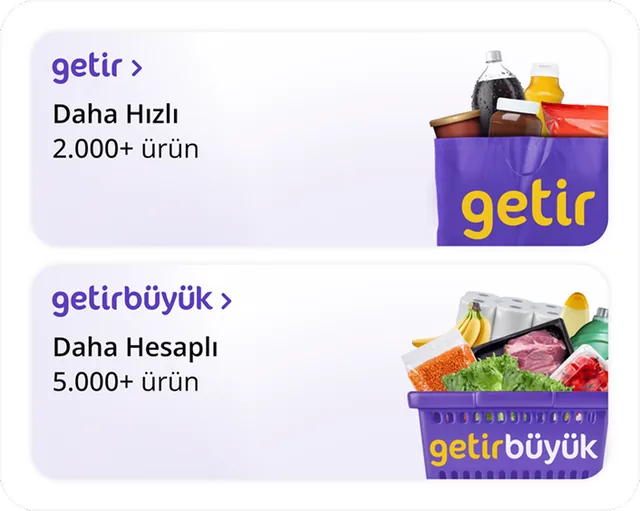
Getir
delivery in minutes
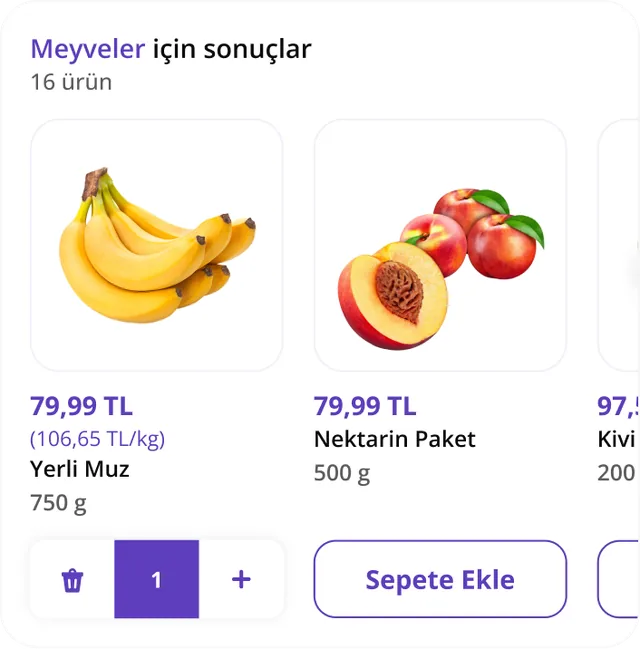
Getir lets you order groceries without leaving your your AI conversation. Start with a natural sentence like "order milk, bread, and eggs to home." The app connects to your account, lets you pick from your saved delivery addresses, builds your cart, and hands you off to the Getir mobile app to complete payment.
What you can ask
- Getir’e giriş yap
Example path
MCP connector
- Server URL
https://getir-in-chatgpt.getirapi.com/mcp- Login
- OAuth
- Protocol
- MCP 2025-11-25
- Instructions
Getir grocery shopping. To add MULTIPLE named products to the cart, call ONCE with the product names — never search each product first. Add a single known item with . To build a reviewable list the user can swap before adding, use . Search ONE product with . During a normal request, login, delivery-address, and market (getir vs buyuk) selection happen automatically through widgets, so they need no separate call. To switch to a different or named saved address — even when one is already active (e.g. 'adresimi/konumumu değiştir', 'X adresini seç', 'Quick Tower'ı seç') — with force:true is the tool that opens the saved-address picker in the conversation; tapping a card applies it. To switch the market/vertical (e.g. 'market/şube değiştir', Getir↔GetirBüyük) with force:true opens the market picker the same way. These picker tools are available whenever the user asks to change address or market.
Tools
Reads data7
Changes data9
Deletes or can't be undone4
Skills
None in the store listings or on the server
Screenshots