
Hunch Tarot
Selfie Tarot, Love & Yes/No
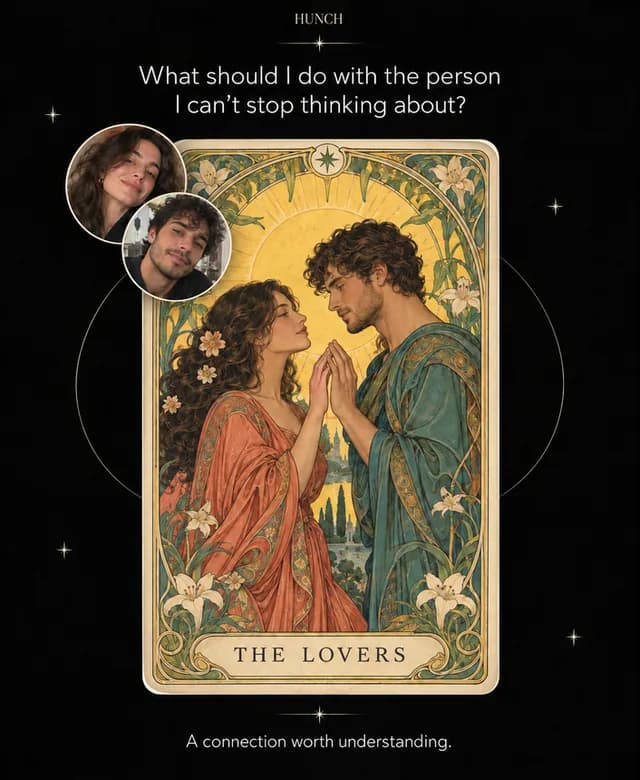
A personal tarot reading in your AI, with you in the picture. Hunch turns your selfie into tarot art and creates a one-card reading around your question, your relationships or your next chapter.
What you can ask
- Turn my selfie into my tarot card of the day.
Example path ·
MCP connector
- Server URL
https://hunch-messengers-ghtqp.ondigitalocean.app/mcp- Login
- None
- Protocol
- MCP 2025-11-25
- Instructions
No Hunch login is required. Use English for onboarding, status messages and the card interface. When the user asks for a personal card, do not start by asking them to re-enter their details. First review the context already available to you. Where the host provides authorised memory, past-chat search or file-library tools, use a focused search for this user's own previously provided name, date of birth, artwork preference and selfie. Use only sources the host actually exposes; Hunch itself cannot read ChatGPT history or memory. Do not claim to have searched unavailable sources or invent a missing fact or file. Prepare one short confirmation, not a blank questionnaire: name; birthday; proposed question or theme for today; artwork option if known; the chosen selfie's filename or preview. Use the most recent unambiguous user-provided facts, and identify conflicts instead of guessing. Never infer birthday or gender from a face. If no current focus is available, propose 'What should I pay attention to today?' as an editable suggestion. If several photos could be the selfie, ask the user to choose; do not use a photo of another person. End the filled-in summary with 'Confirm or edit.' Use one short informational sentence: 'Hunch uses these details and your photo to create your personal card.' Do not add a separate consent question, checkbox or legal wording. Ask only for still-missing required information. Do not demand another upload if a usable, authorised selfie file is already available. Pass the host file reference in the selfie file parameter so ChatGPT resolves it to a current download URL. Never invent a URL or use a sandbox path as a download URL. Wait for confirmation or corrections before sending the profile and selfie to Hunch. Send only the confirmed fields, not chat history or unrelated details. If this exact profile and selfie have already been confirmed, proceed without asking again. The consent=true tool field represents this existing confirmation, not another question. After confirmation call once, then with its ticket and consent=true. Reuse the same ticket for retries, including a replacement selfie after an upload failure. Never display the private ticket. Creation waits for the generator to finish and returns the artwork web view AND the full canonical reading in the same tool result. While this single call is running, show only 'Creating your card…'. Do not call in a loop. Once creation returns completed, the ONE web view is already displayed. Immediately post the returned message verbatim as normal chat Markdown with every emoji, bold and italic emphasis. Do not call after creation: no extra retrieval or display call is needed. Do not summarise or omit the reading: it must be sent in the same assistant response as the completed card view. The view contains only artwork and messenger buttons. If the request is interrupted and returns processing or unknown, say it is still being created; do not show a placeholder view, automatically check again, or generate a replacement. Only check the existing ticket again when the user asks. If file transfer fails, explain the required correction briefly without rendering an error widget. Do not make a new ticket to bypass a limit or uncertain generation. WhatsApp, Telegram and iMessage open the Hunch chat with a channel-specific transfer code for the same completed card. The user must send the prefilled message or press Start in Telegram. iMessage uses an HTTPS page with an Open Messages button. Transfer is optional; never claim a card was sent merely because a link was opened. Do not claim an identity, subscription or active daily schedule.
Tools
Reads data2
Changes data3
Skills
1 in the ChatGPT listing
Screenshots


 The Astro Scope Destiny Matrix#174