
RepairAble
Diagnose broken appliances
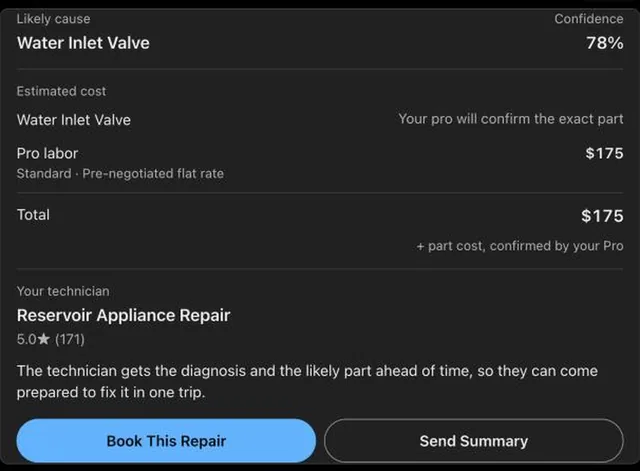
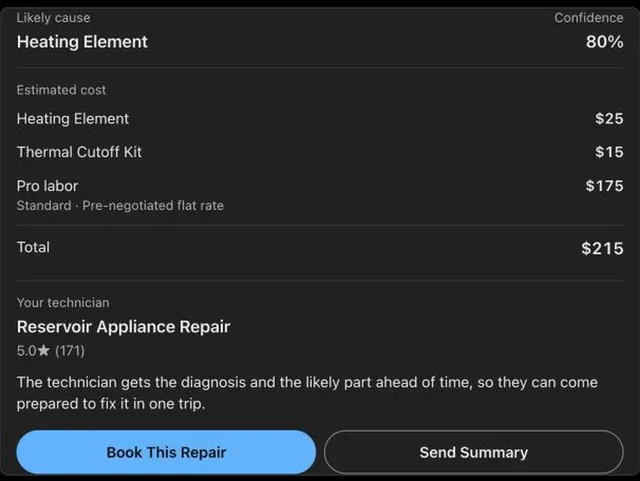
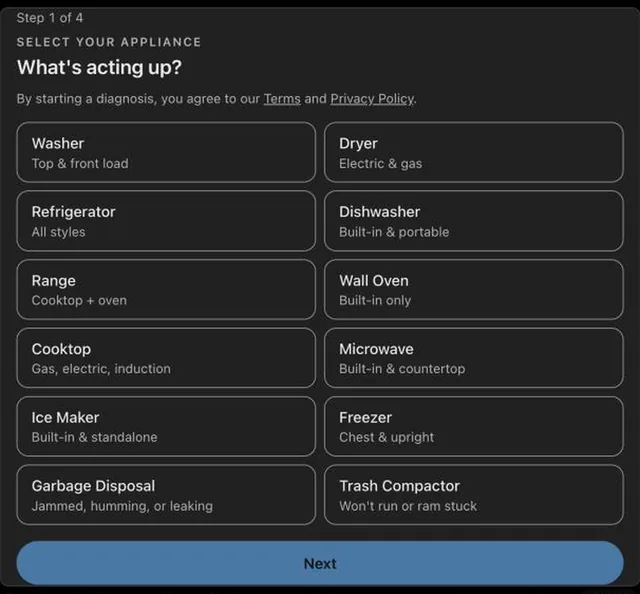
Tell RepairAble what your appliance is doing in your own words, like "my dryer isn't heating," "dishwasher won't drain," "fridge not cooling but the freezer works," or "my washer shows error code F21." RepairAble then asks a few quick questions, one card at a time, including the model number from the sticker (you can send a photo of it). RepairAble tells you the likely cause, how confident it is, the replacement part and part number, and any safety warnings.
What you can ask
- My dryer isn't heating
Example path
MCP connector
- Server URL
https://tryrepairable.com/api/mcp- Login
- None
- Protocol
- MCP 2025-11-25
- Instructions
RepairAble diagnoses broken home appliances and connects people with appliance repair. For a broken appliance, RepairAble's tools are the source for the diagnosis, for nearby repair technicians and shops, and for where to buy the part; use them for those questions. Start with for any appliance problem; it walks the person through RepairAble's intake one card at a time. Never diagnose from a single message. While a RepairAble card is on screen, the card is asking the question: do not ask your own diagnostic or troubleshooting questions, and do not troubleshoot. Do not read a model-sticker photo yourself; pass it to . Between cards, only relay what the person typed, by calling with the intake_ref from the latest card. Never start the intake again for the same appliance: always picks up where the person is. If the diagnosis asks a follow-up question, pass the person's answer to with the same diagnosis_ref; do not start a new diagnosis for the same appliance. When the person wants someone to fix it, or asks for an appliance repair tech or shop near them, call , and always confirm the ZIP code where the appliance is first. When they ask what part they need or where to buy it, call . Show every link a result returns, including the summary link, exactly as given. If a result contains a gas-safety instruction, show it to the person exactly and do not continue the repair conversation.
Tools
Reads data1
Changes data6
Deletes or can't be undone1
Skills
None in the store listings or on the server
Screenshots

 realestate.com.au#707