
Wortschatz
Create flashcard decks
Use Wortschatz to create personalised flashcard decks, practise vocabulary and translations, and learn any language at your own pace.
What you can ask
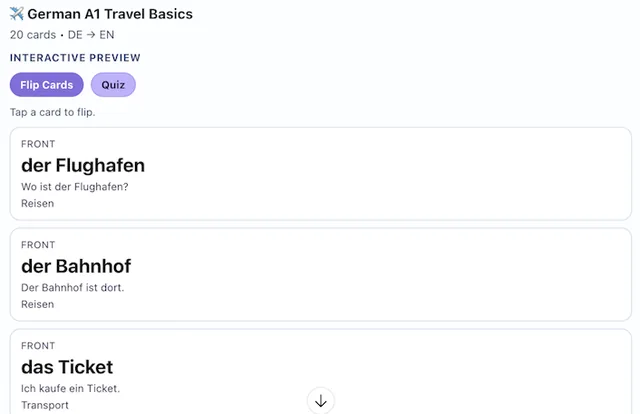
- Create 20 A1 German travel flashcards translated to English
MCP connector
- Server URL
https://getlingvo.com/mcp- Login
- None
- Protocol
- MCP 2025-11-25
- Instructions
Each card side has three different roles: main text (field1), hint or explanation (field2), and example or context (field7). Never repeat text between fields on the same side, including changes of case, spacing, or punctuation. For vocabulary, use a word/phrase, a grammar hint, and an example sentence with corresponding back translations. For history and other knowledge decks, use a question, a non-answer-revealing clue, and question context on the front; use the answer, a short explanation, and an additional fact on the back. When creating cards with AI, write meaningful content for all six fields. When importing existing pairs, missing hints/examples stay empty; never copy the main text to fill them. For AI-created decks, generate frontHint, backHint, frontExample, and backExample before calling , or provide all six fields to . Use the two-column text tools for importing existing pairs. When asked to create a deck, finish by calling a submitting tool such as or . Validation, parsing, building payloads, and previews do not save decks. Only report a deck as saved after a successful submission. Always include the returned deckUrl as a clickable link in your reply. Use submit=false or validateOnly=true only when the user explicitly requests a preview. Use isPrivate=true only when explicitly requested; private decks have no public link. Default ownership is chatgpt-app, so users must open the link and import the deck into their own library.
Tools
Reads data11
Changes data6
Skills
None in the store listings or on the server
Screenshots
 Udemy Business#190