
Claude
- Open Copy Any Design by WeInc in the Claude directory ↗
- Click Connect
- Sign in to your account

WeInc·Design & creative·Live in
Copy Any Design turns a website you like into your own.
Share a link to any public page, or a screenshot or mock-up, and WeInc rebuilds that design for your business: same sections, grid, spacing, type, colours, corners, shadows and phone layout, with your name and words. A preview link comes back in the chat, usually within half a minute.
Ask your AI: "Copy this website's design for my bakery", "Screenshot to website", "Make it closer to the original", "Use my own photos", or "Rebuild my website on WeInc" (your own words and pictures are kept once WeInc confirms the site is yours).
Only the design is copied. The other site's words, photos, logos, names, sign-in or payment forms and tracking code are never taken; every page is checked before it is saved.
Nothing goes public without your yes. Your AI can publish it to a free weinc.app address and connect your own domain. Designs made in your AI Design can be brought in from their shared link too.
Needs a WeInc account; you can create one free when your AI asks you to sign in. Making and publishing the copy on its weinc.app address is free. Your own domain and removing the WeInc badge are part of a paid WeInc plan.
Claude rank
https://my.we.inc/api/design/mcp

https://my.we.inc/api/design/mcpmy.we.inccheck_domainread_designwebsite_detailsconnect_domaincopy_designdesign_from_screenshotimport_designmy_websitespublish_websiterefine_designNot found; the server needs sign-in so there may be skills that our scan couldn't access
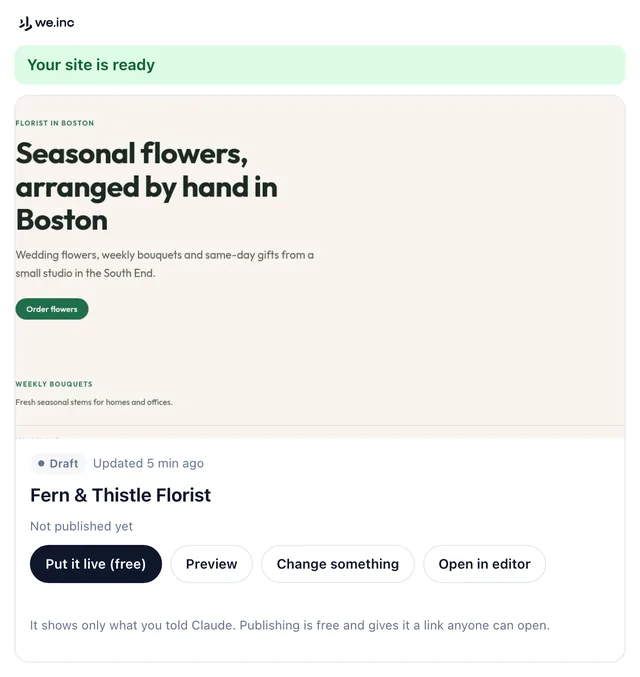
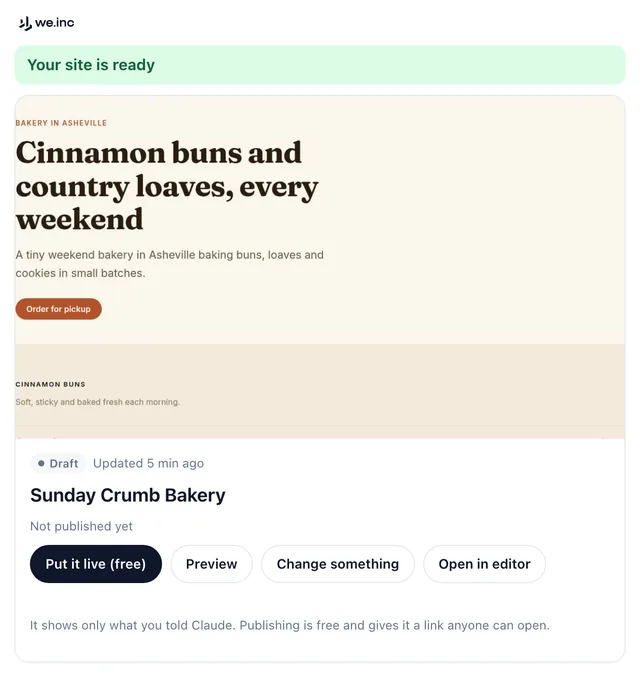
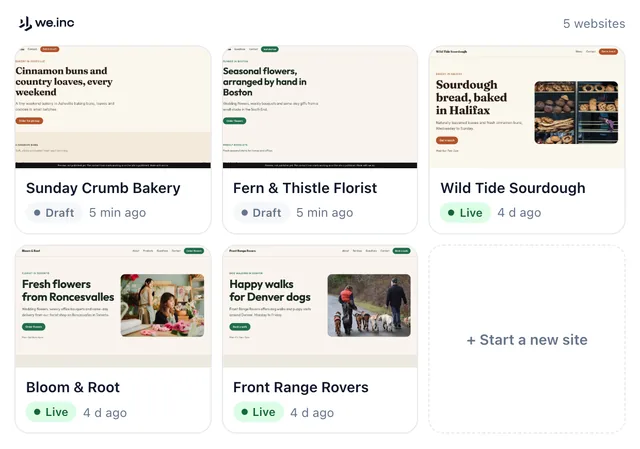
Copy Any Design turns a website you like into your own. Share a link to any public page, or a screenshot or mock-up, and WeInc rebuilds that design for your business: same sections, grid, spacing, type, colours, corners, shadows and phone layout, with your name and words. A preview link comes back in the chat, usually within half a minute. It is listed under Design & creative.
Open its listing in the app's connector directory and connect. Sign in to your account in the browser window that opens. It uses OAuth, so the AI never sees your password. Step-by-step setup for each app is on this page.
The Copy Any Design by WeInc MCP server URL is https://my.we.inc/api/design/mcp. Paste it as a custom connector in Claude, ChatGPT, Gemini or Grok, or add it to Claude Code, Cursor or any MCP client. Setup steps.
Yes. Copy Any Design by WeInc is published or run by WeInc, so it is the official MCP server. See other official connectors.
It is listed in 1 store: Claude. Apps where it is not listed can usually still add it as a custom connector.
It is ranked 3,350 of 13,092 in the Claude directory. A rank is the store's own order, not a usage count. How we track ranks.
It has 10 tools: 3 read data and 7 change data. See every tool and its inputs.
It can change data but not delete it. 7 tools can create or update things, for example:
None that we found. Not found; the server needs sign-in so there may be skills that our scan couldn't access.
Yes. Some of its tools show an interactive widget in the chat, not only text. See more connectors with interactive UI.
This page updates every day. To ask about Copy Any Design by WeInc from Claude, ChatGPT or a coding agent, connect the Agent Ready MCP server: it tracks ranks, tools and new listings across the AI plugin stores.