
Claude
- Open Guitar Chord Workbench in the Claude directory ↗
- Click Connect
- No sign-in needed: ask away

NebulaCafe Studio·Live in
Guitar Chord Workbench gives your AI a tool that does one job with fixed code: check guitar fingerings, explore validated major/minor/seventh shapes and listen to their actual pitches.
Notes are worked out from the frets you give, and you get an audio file of the chord to hear, not a description of it.
Limits: Standard six-string tuning only, A4=440 Hz. Fret input runs string 6 to 1; x means muted. Shape suggestions use E/A movable templates and are not a playability or technique assessment. Synthetic reference strums, no song lookup.
Nothing is stored. There is no sign-in and no AI model is used.

https://nebulacafe.studio/claude/guitar-chord-workbench/mcp

https://nebulacafe.studio/claude/guitar-chord-workbench/mcpnebulacafe.studiochord_workbench_inspectchord_workbench_shapeschord_workbench_strumchord_workbench_workspaceNot found; the server did not answer our scan so there may be skills that we couldn't see
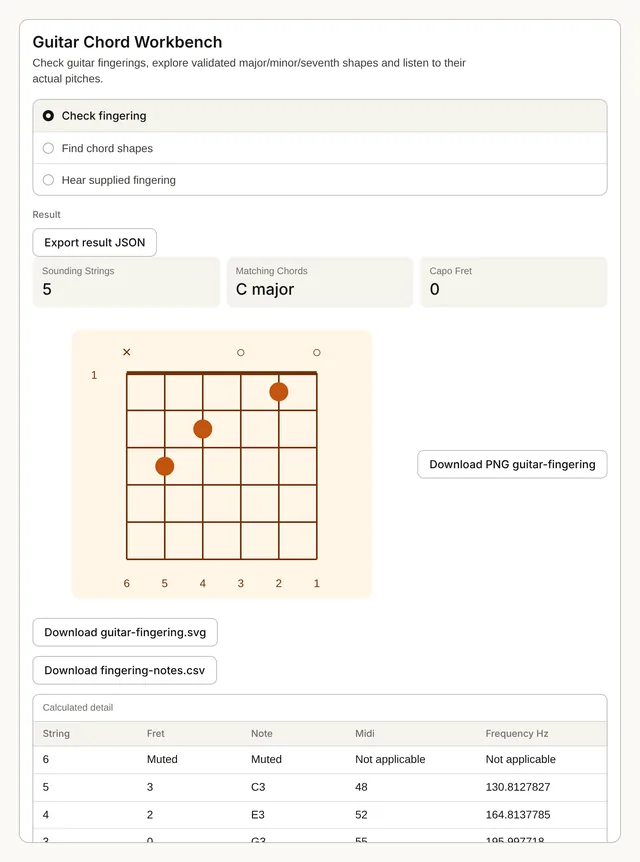
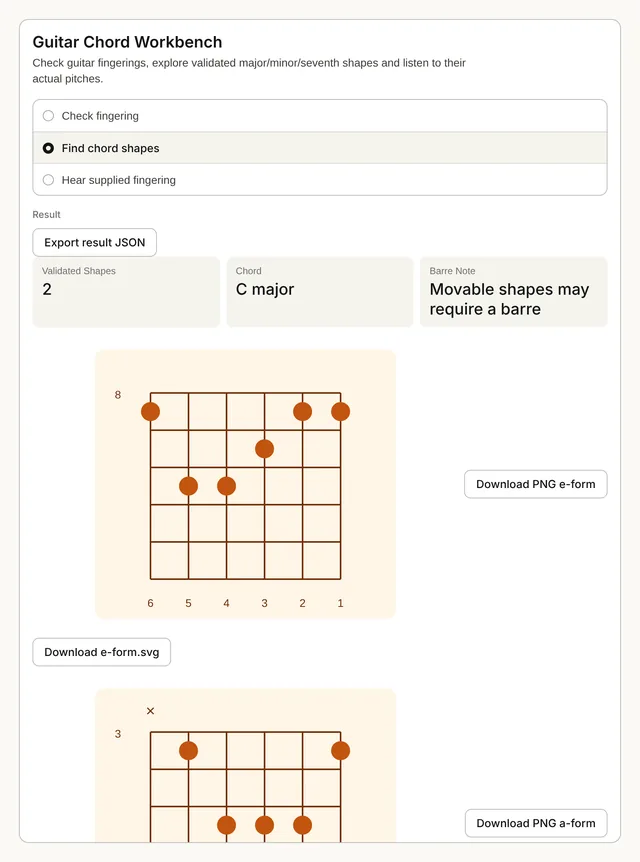
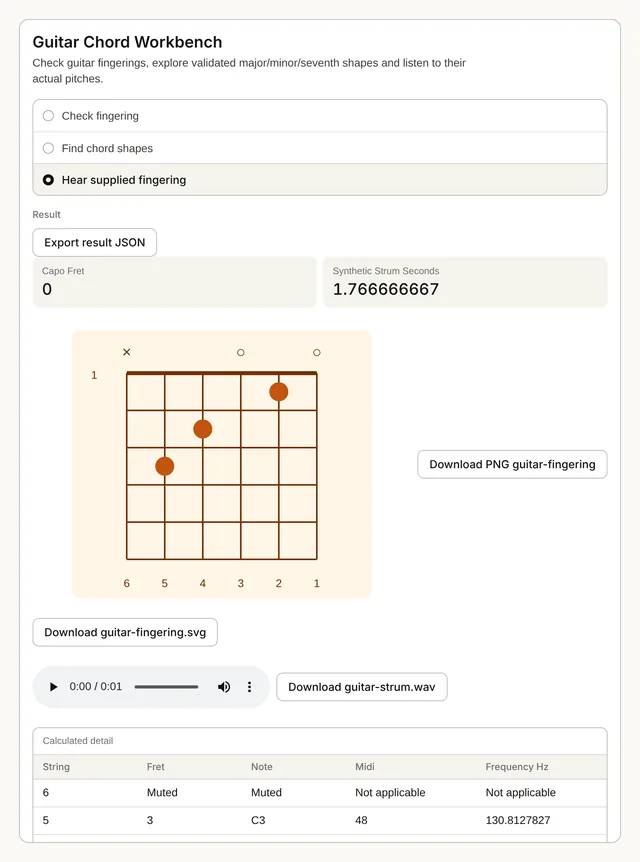
Guitar Chord Workbench gives your AI a tool that does one job with fixed code: check guitar fingerings, explore validated major/minor/seventh shapes and listen to their actual pitches. Notes are worked out from the frets you give, and you get an audio file of the chord to hear, not a description of it. Limits: Standard six-string tuning only, A4=440 Hz.
Open its listing in the app's connector directory and connect. No sign-in is needed. Step-by-step setup for each app is on this page.
The Guitar Chord Workbench MCP server URL is https://nebulacafe.studio/claude/guitar-chord-workbench/mcp. Paste it as a custom connector in Claude, ChatGPT, Gemini or Grok, or add it to Claude Code, Cursor or any MCP client. Setup steps.
Yes. Guitar Chord Workbench is published or run by NebulaCafe Studio, so it is the official MCP server. See other official connectors.
It is listed in 1 store: Claude. Apps where it is not listed can usually still add it as a custom connector.
It has 4 tools: 4 change data. See every tool and its inputs.
It can change data but not delete it. 4 tools can create or update things, for example:
None that we found. Not found; the server did not answer our scan so there may be skills that we couldn't see.
Yes. Some of its tools show an interactive widget in the chat, not only text. See more connectors with interactive UI.
This page updates every day. To ask about Guitar Chord Workbench from Claude, ChatGPT or a coding agent, connect the Agent Ready MCP server: it tracks ranks, tools and new listings across the AI plugin stores.