
Claude
- Open PDF Change Compare in the Claude directory ↗
- Click Connect
- No sign-in needed: ask away

NebulaCafe Studio·Live in
Compare the text, rendered pages and document structure of two actual PDFs.
PDF Change Compare gives your AI a tool that does one job with fixed code: compare the text, rendered pages and document structure of two actual PDFs.
It compares the two files themselves, page by page: extracted text, rendered pixels and document structure, so a change that only shows in the rendering is still found.
Limits: Combined inputs ≤2 MB, ≤40 pages each; visual comparison ≤12 pages at 72 dpi. Compares page positions, not semantic alignment. No OCR or equivalence/security certification. Font/raster differences may count as visual changes.
Nothing is stored. There is no sign-in and no AI model is used.

https://nebulacafe.studio/claude/pdf-change-compare/mcp

https://nebulacafe.studio/claude/pdf-change-compare/mcpnebulacafe.studiochange_compare_structurechange_compare_textchange_compare_visualchange_compare_workspaceNot found; the server did not answer our scan so there may be skills that we couldn't see
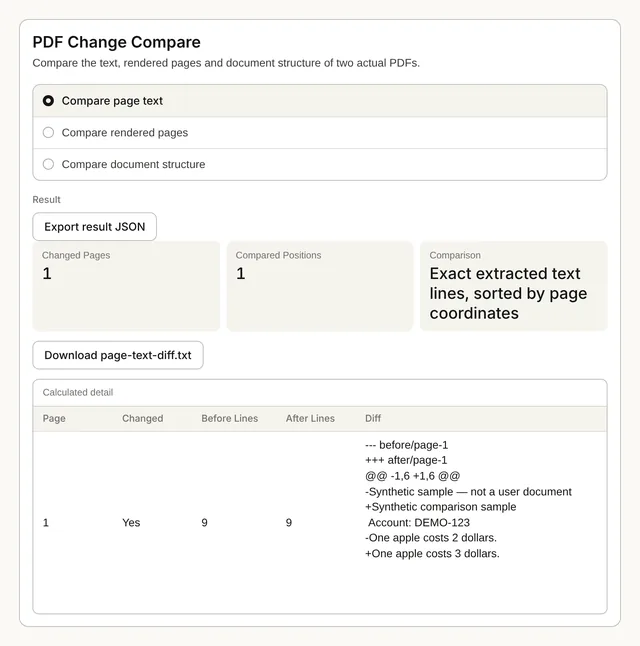
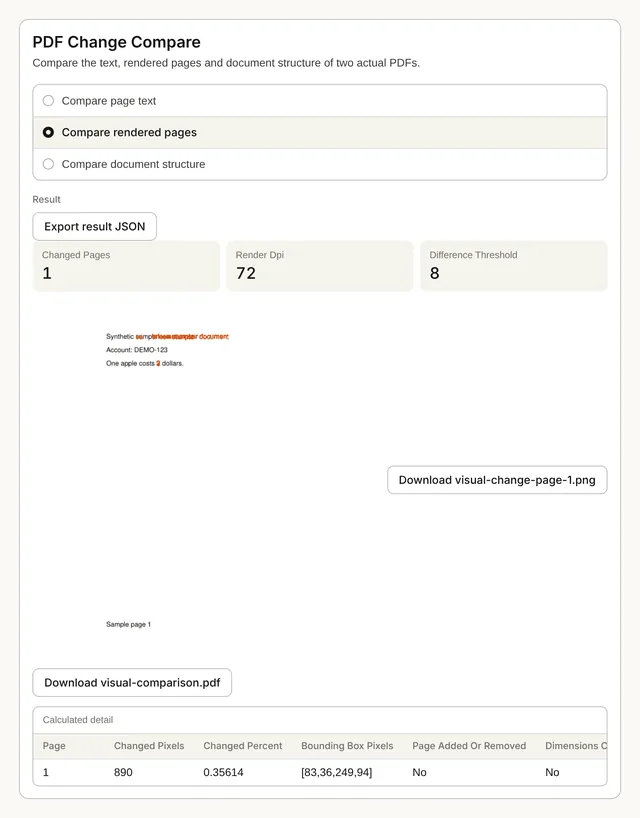
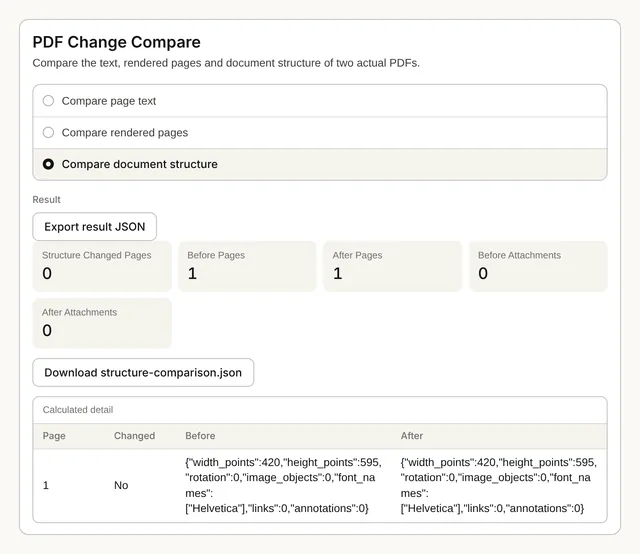
Compare the text, rendered pages and document structure of two actual PDFs. PDF Change Compare gives your AI a tool that does one job with fixed code: compare the text, rendered pages and document structure of two actual PDFs. It compares the two files themselves, page by page: extracted text, rendered pixels and document structure, so a change that only shows in the rendering is still found.
Open its listing in the app's connector directory and connect. No sign-in is needed. Step-by-step setup for each app is on this page.
The PDF Change Compare MCP server URL is https://nebulacafe.studio/claude/pdf-change-compare/mcp. Paste it as a custom connector in Claude, ChatGPT, Gemini or Grok, or add it to Claude Code, Cursor or any MCP client. Setup steps.
Yes. PDF Change Compare is published or run by NebulaCafe Studio, so it is the official MCP server. See other official connectors.
It is listed in 1 store: Claude. Apps where it is not listed can usually still add it as a custom connector.
It has 4 tools: 4 read data. See every tool and its inputs.
No. All of its tools only read data.
None that we found. Not found; the server did not answer our scan so there may be skills that we couldn't see.
Yes. Some of its tools show an interactive widget in the chat, not only text. See more connectors with interactive UI.
This page updates every day. To ask about PDF Change Compare from Claude, ChatGPT or a coding agent, connect the Agent Ready MCP server: it tracks ranks, tools and new listings across the AI plugin stores.